Season and day
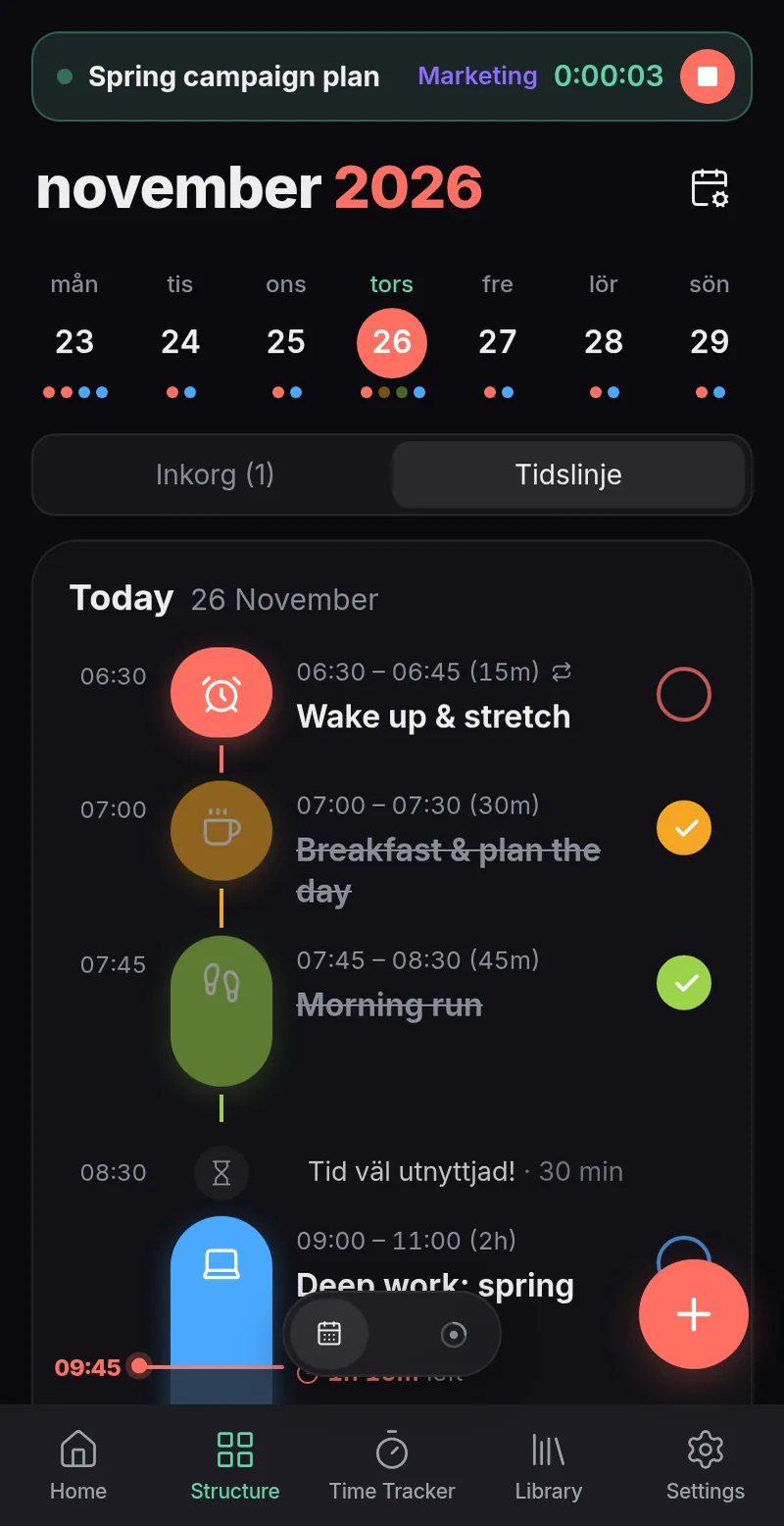
Plan the year in seasons, then step into today. A calendar that follows how you actually work — not a wall of reminders.

A Uni Personal app
Plan the season. Own the day.
One quiet place for the work of a year — seasonal and daily planning, a to-do list in the Todoist style, time tracking and a notes library. Sync across Android, web and Windows when you want to, with an optional account.
Features
Built for people who plan in seasons, work in days, and want their lists, hours and notes in one place — without being pushed into an account.
Plan the year in seasons, then step into today. A calendar that follows how you actually work — not a wall of reminders.
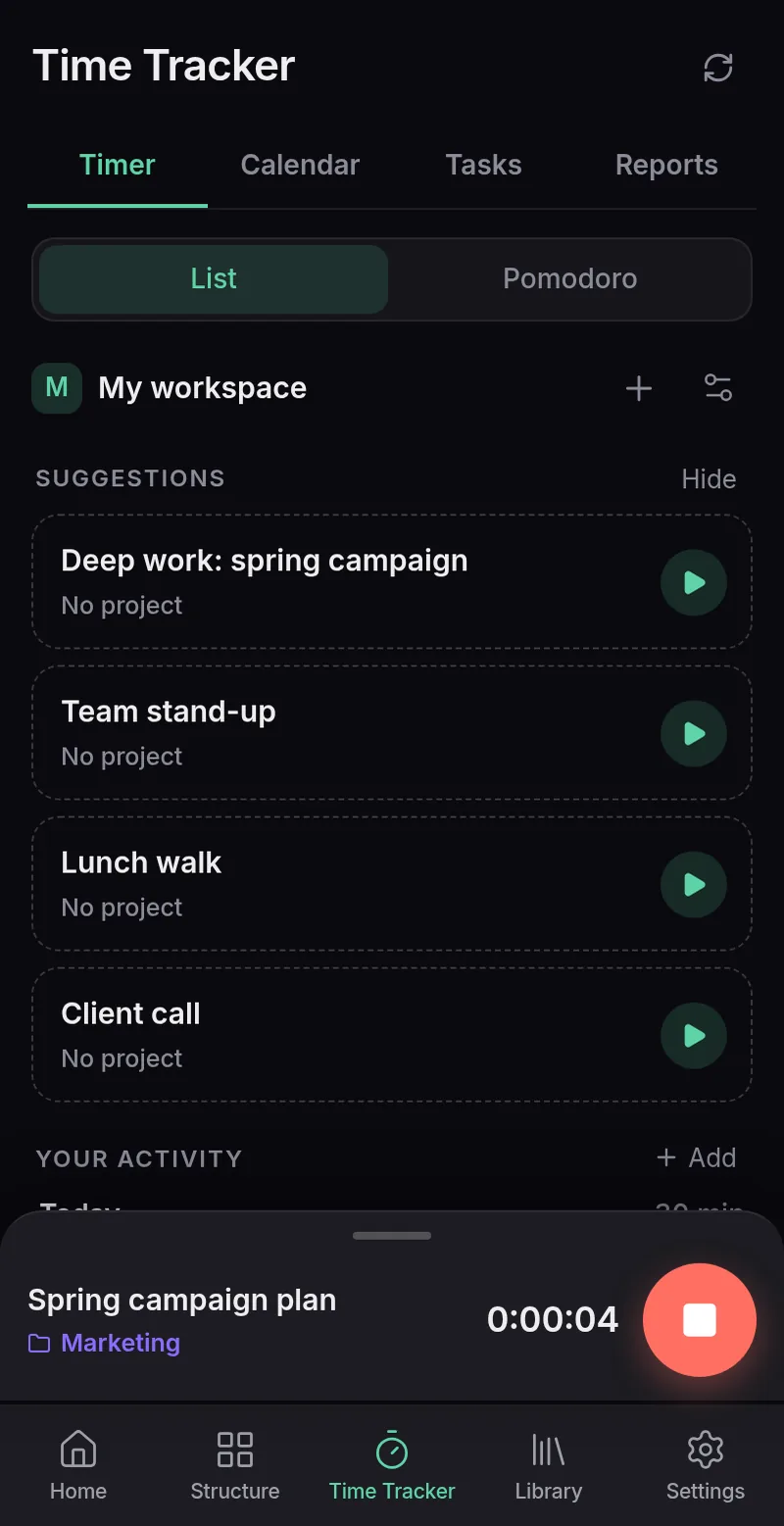
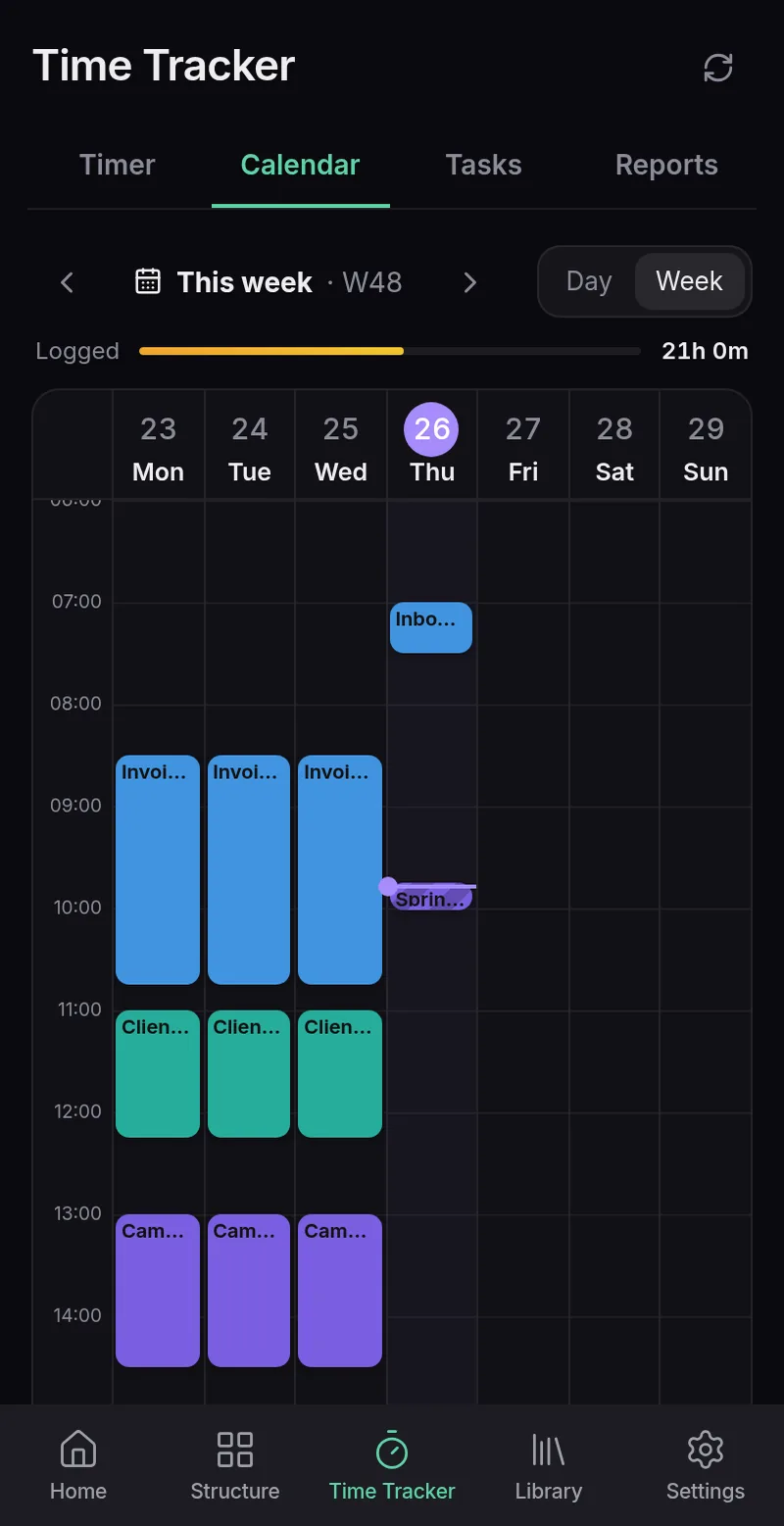
See where the hours went. Log time against the work that matters, and keep a clear record without leaving the planner.
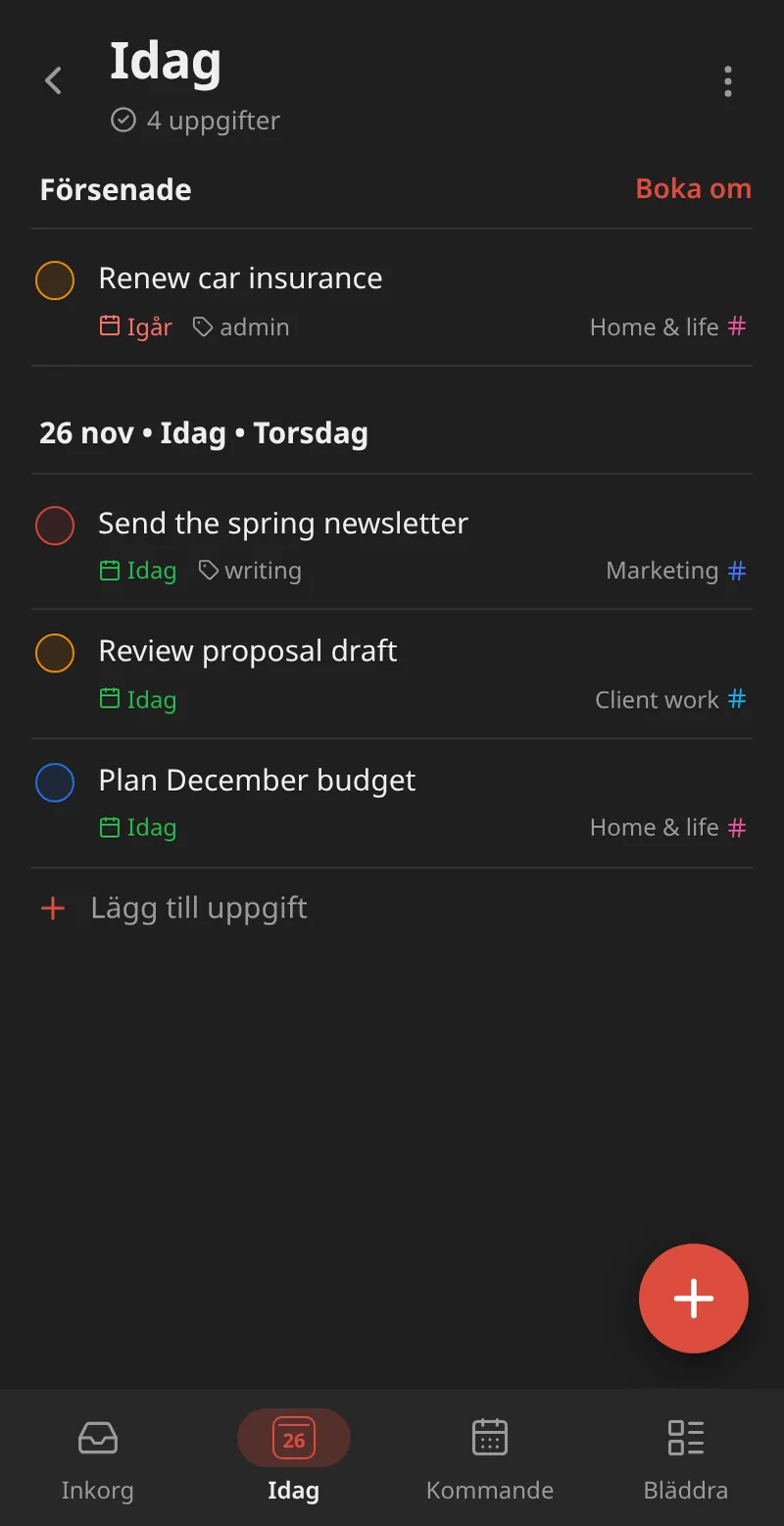
Inbox, Today, Upcoming and Browse. Projects as a list, a board or a calendar. Quick add, priorities, labels and sub-tasks — familiar, focused, fast.
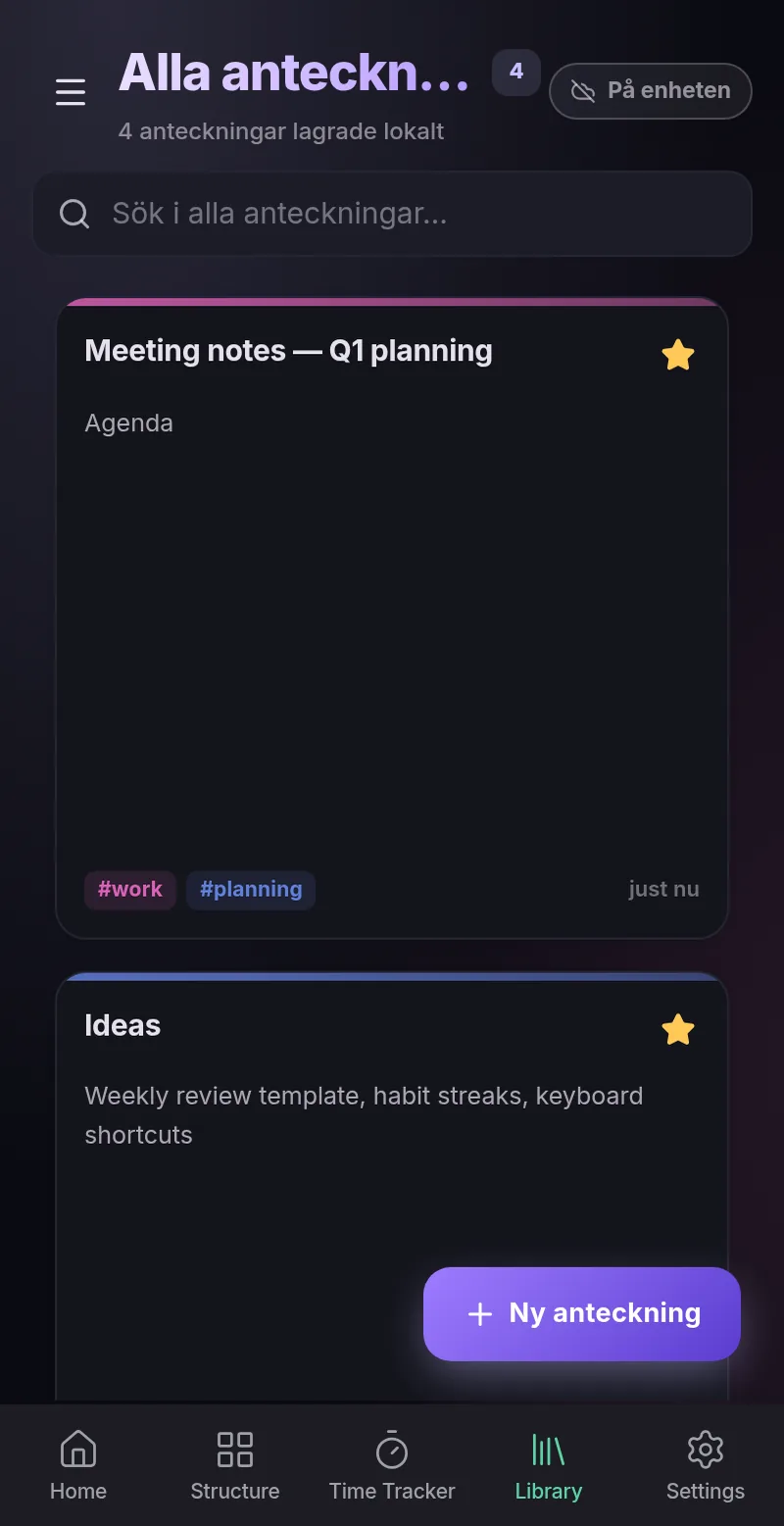
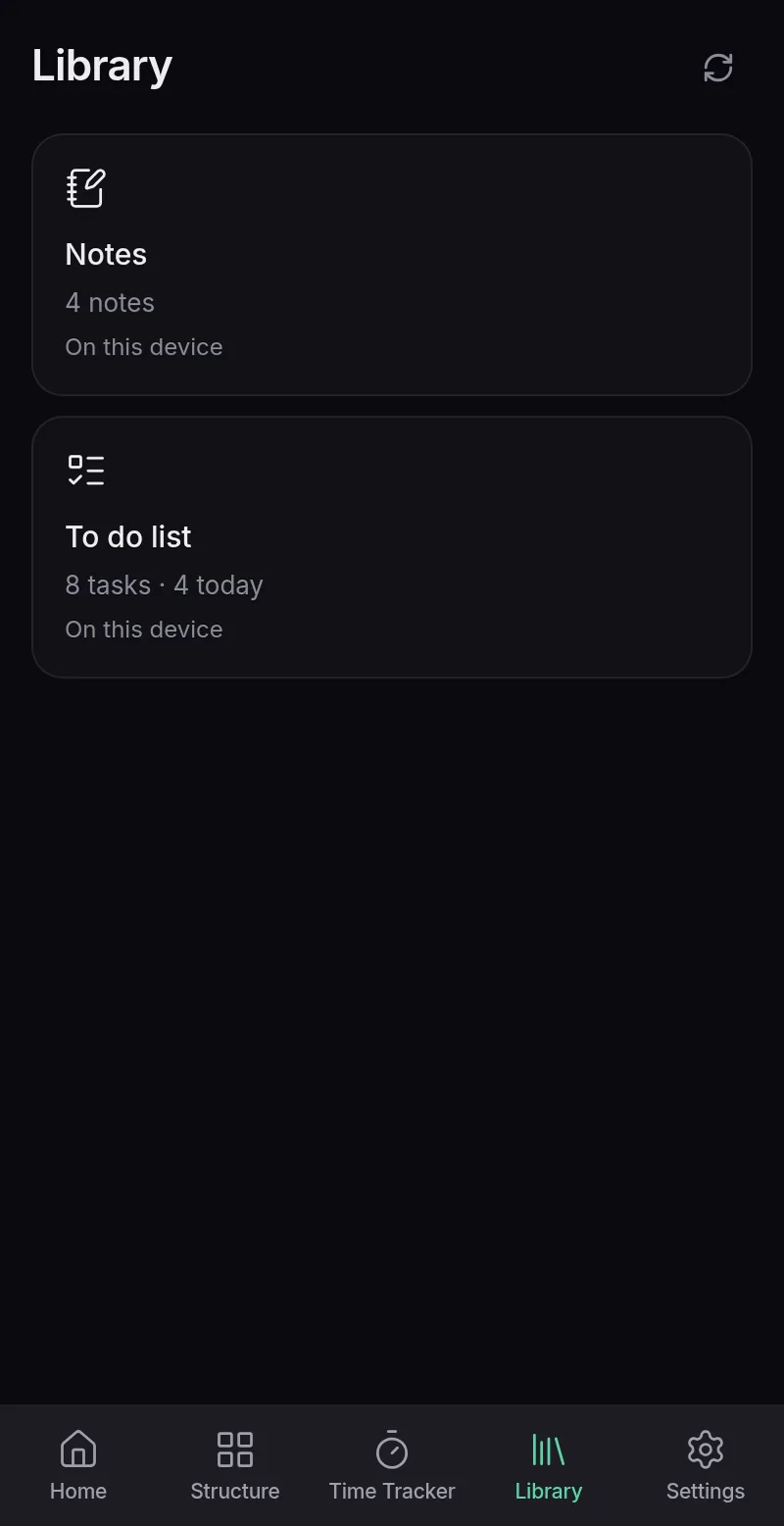
Keep the reference material beside the plan. Notes and a library so what you need stays with the work, not in another tab.
Your data stays on the device until you sign in. An optional account — email and a six-digit code, no password — keeps Android, web and Windows in step, with each person’s data kept apart.
Screens
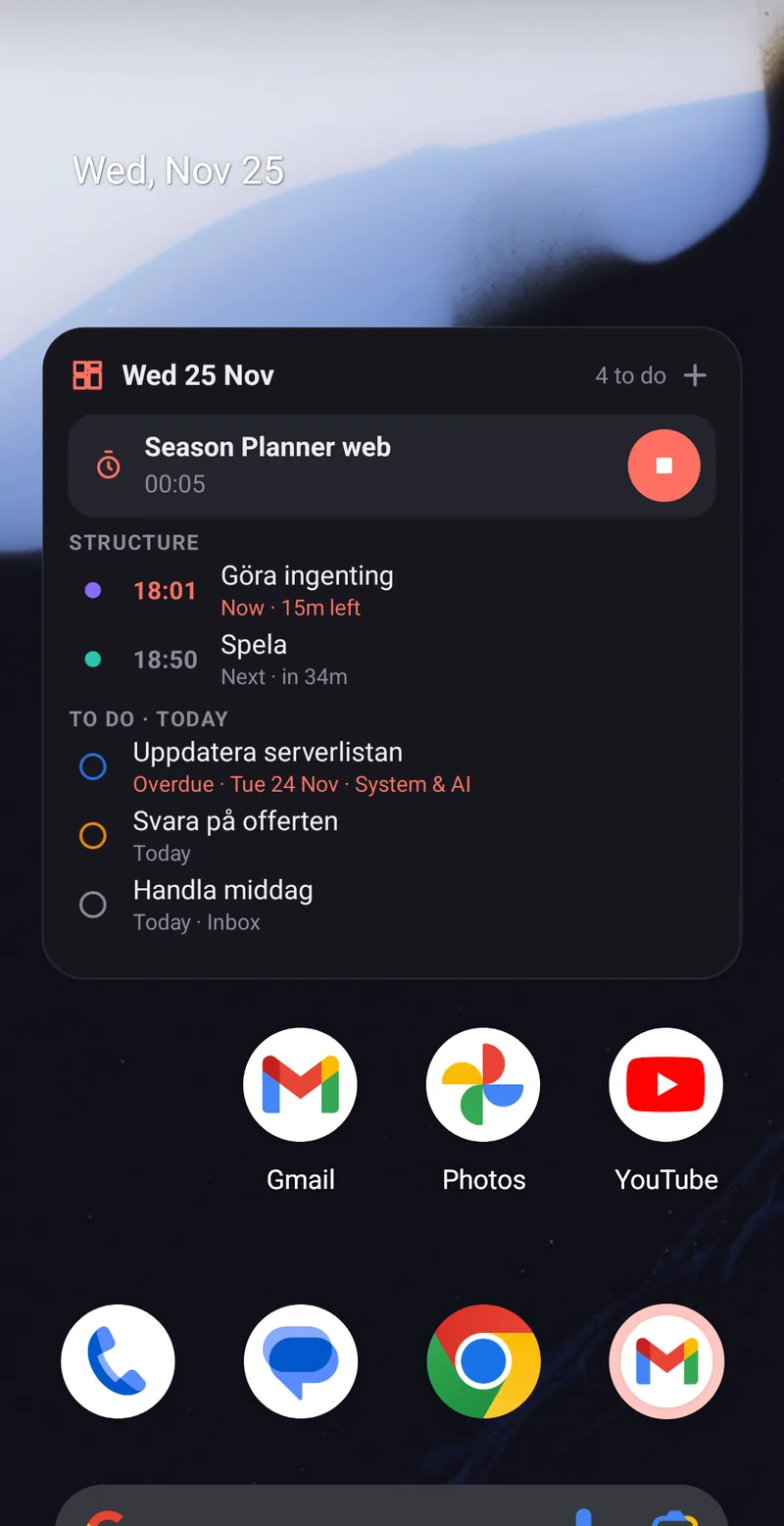
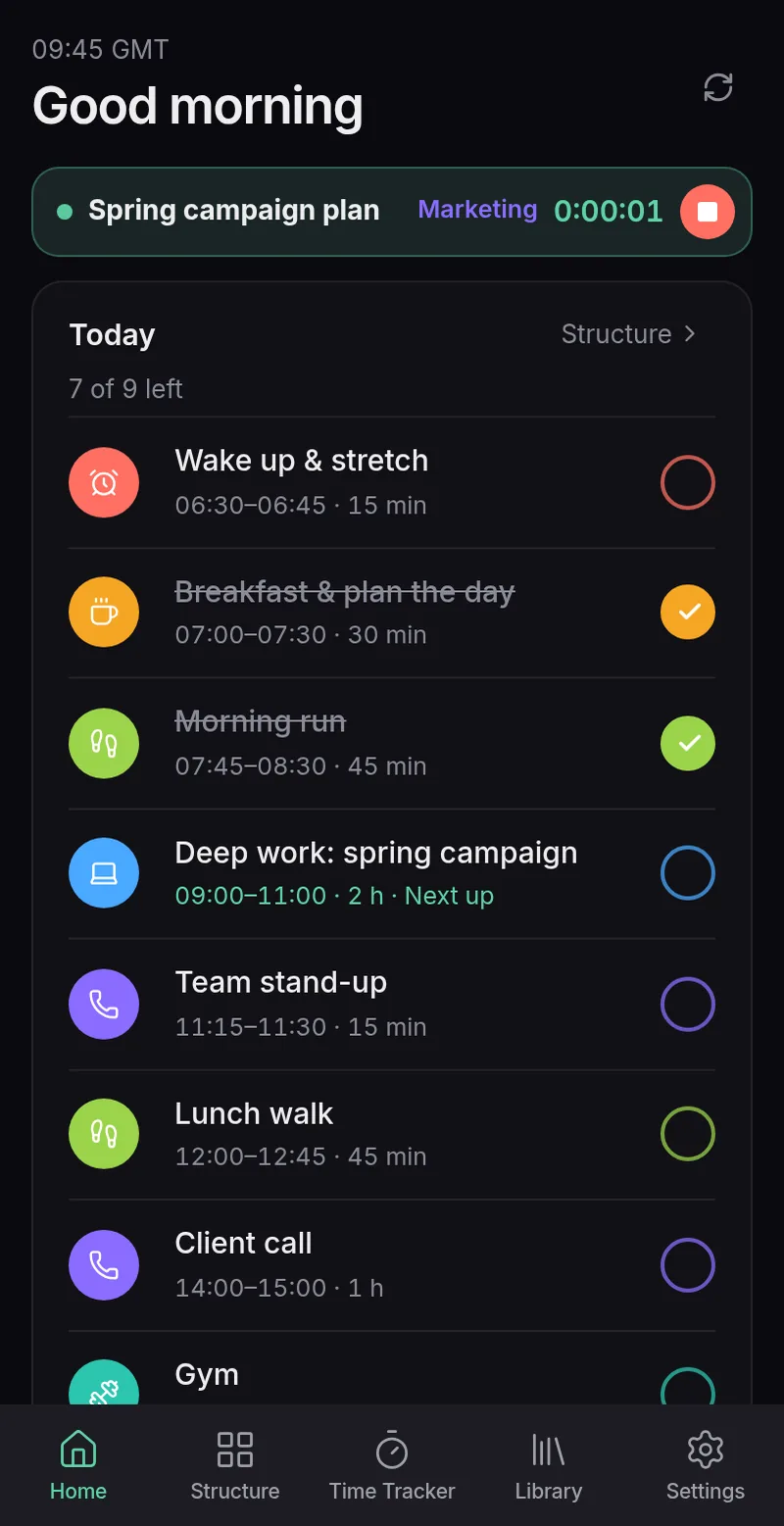
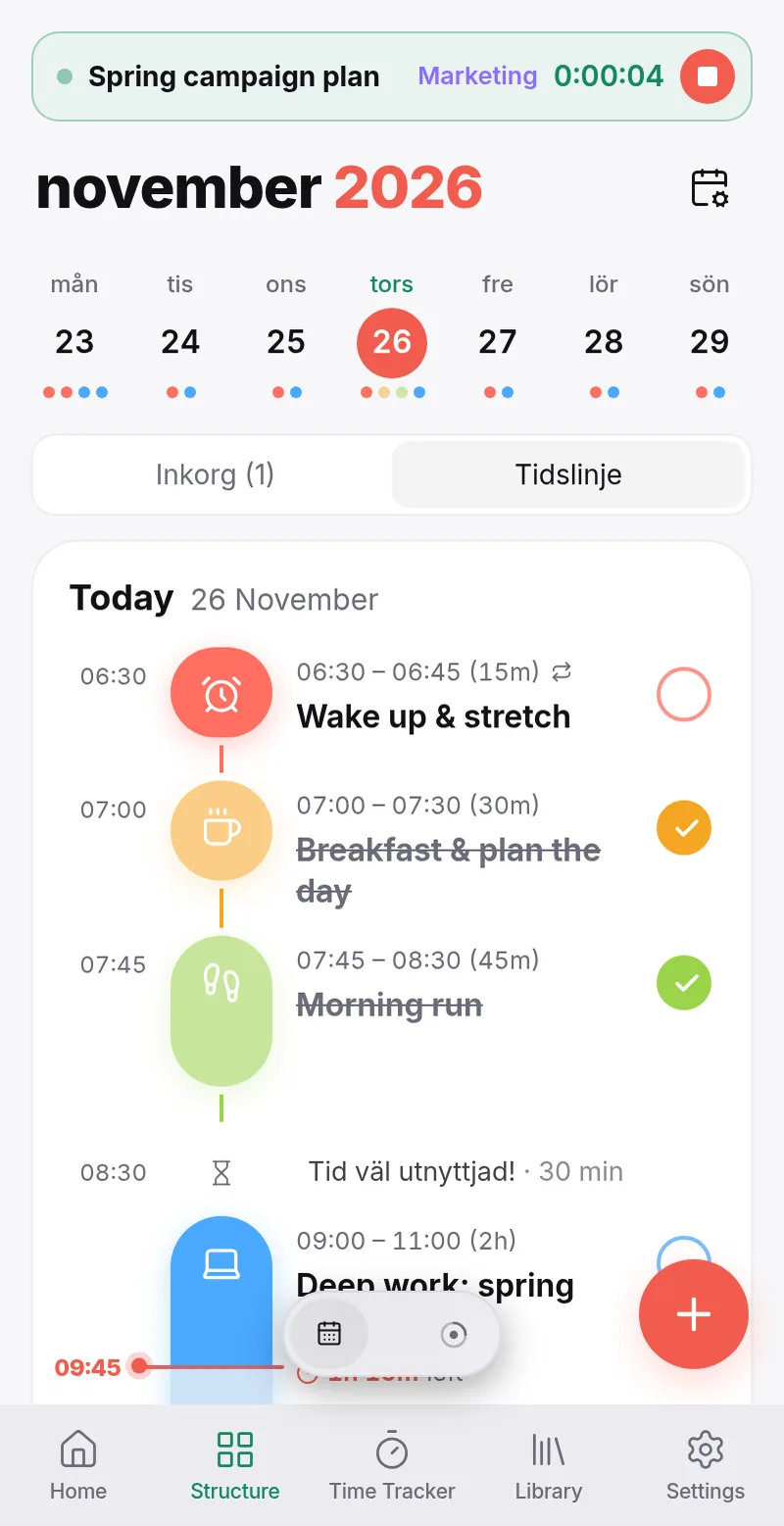
The whole app, not just a list: your day as a timeline, time tracking with week and report views, a Todoist-style to-do list, notes with tags and home-screen widgets on Android — in dark and light.
Get started
The web app is ready now. Log in with your email and a six-digit code.
Available now
Log in to The Task Mate in the browser — the same account, the same sync, no installer.
Log inAndroid
A native app for your phone is on the way. We’ll post a download here when it’s ready for everyone.
Coming soonWindows
The Windows app is coming to the Microsoft Store, so it’s signed and ready to install.
Coming to Microsoft StoreFAQ